Secure video meetings

Meetings you can run with confidence.

HD video, screen sharing and chat in your browser, with a waiting room, host controls and recording built in. No downloads. No ad tracking.

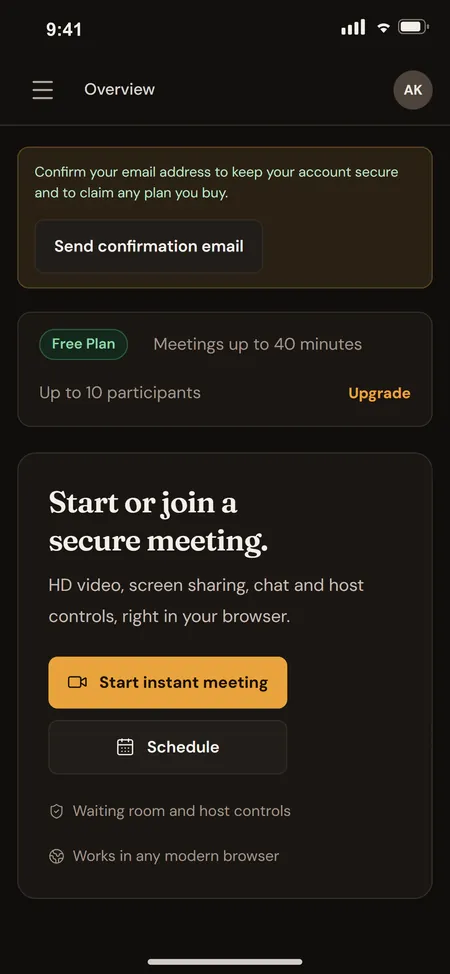
VaultX Meet dashboard on a phone showing upcoming meetings
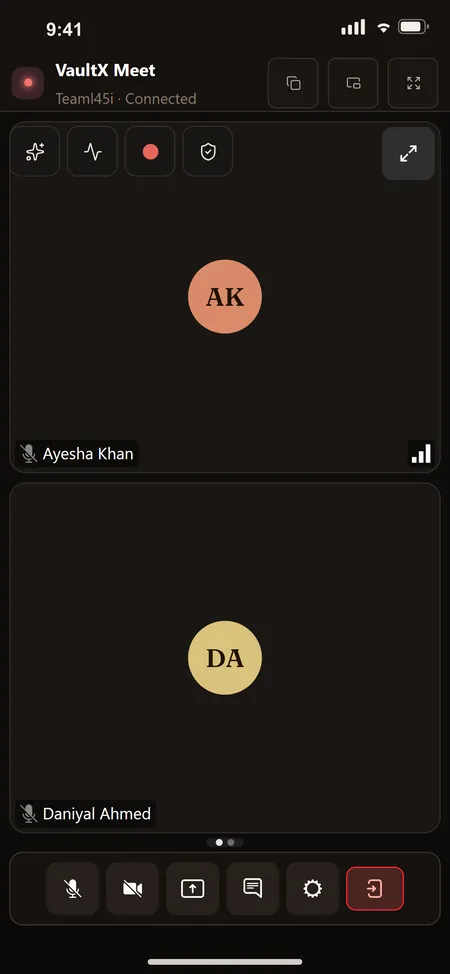
A VaultX Meet call on a phone with participant tiles
  • 1080pRecording to MP4 with audio
  • Waiting roomAdmit every guest yourself
  • DTLS-SRTP + TLSEncrypted audio, video and signaling
  • Zero ad trackingNo third-party analytics

The meeting room

Clear, quiet and built for focus.

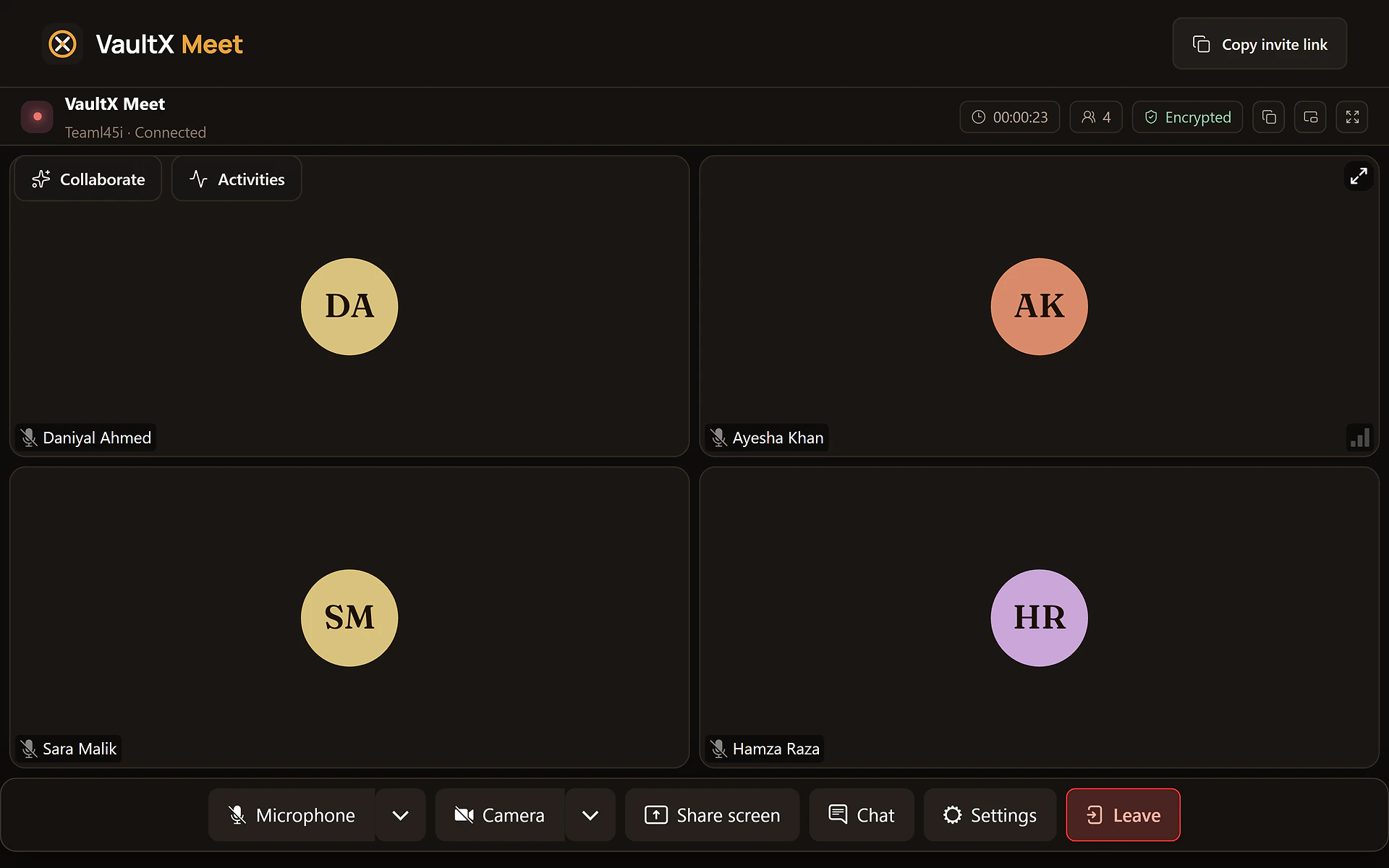
A clean grid that puts people first, with every tool a tap away and nothing in the way.

VaultX Meet call on desktop with four participants

Run the room

Every control a host needs, in one calm panel.

Admit guests from the waiting room, lock the meeting once everyone has arrived, mute people who join late, or remove someone instantly. Promote co-hosts you trust. Polls, Q&A, a whiteboard, live captions and shared notes are one tap away.

  • Waiting room with admit and deny
  • Lock, mute-on-entry and co-hosts
  • Polls, Q&A, whiteboard and captions
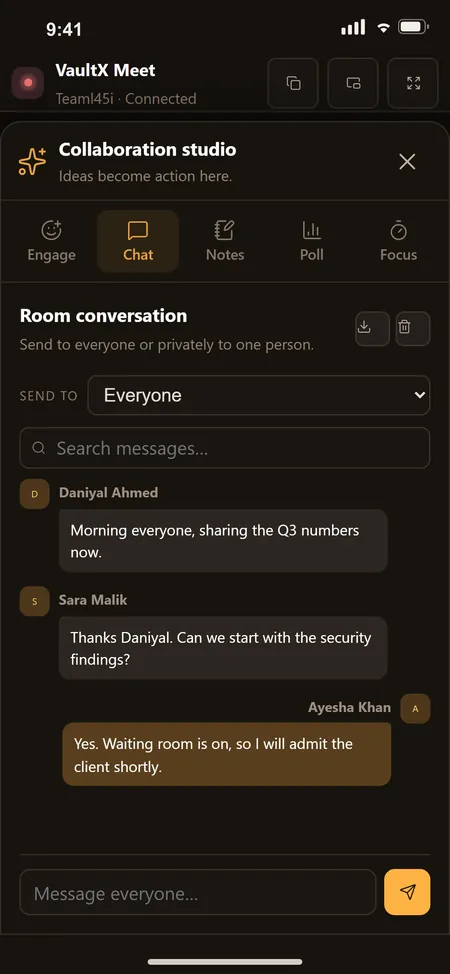
In-meeting chat on a phone

Keep the record

Know who attended. Keep what mattered.

Each meeting keeps a verifiable attendee list with names, sign-in emails and join and leave times, ready to export. Record in full HD with audio, and every participant sees a clear recording notice.

  • Attendee list with emails, exportable to CSV
  • 1080p recording, host controlled
  • Complete meeting history for hosts
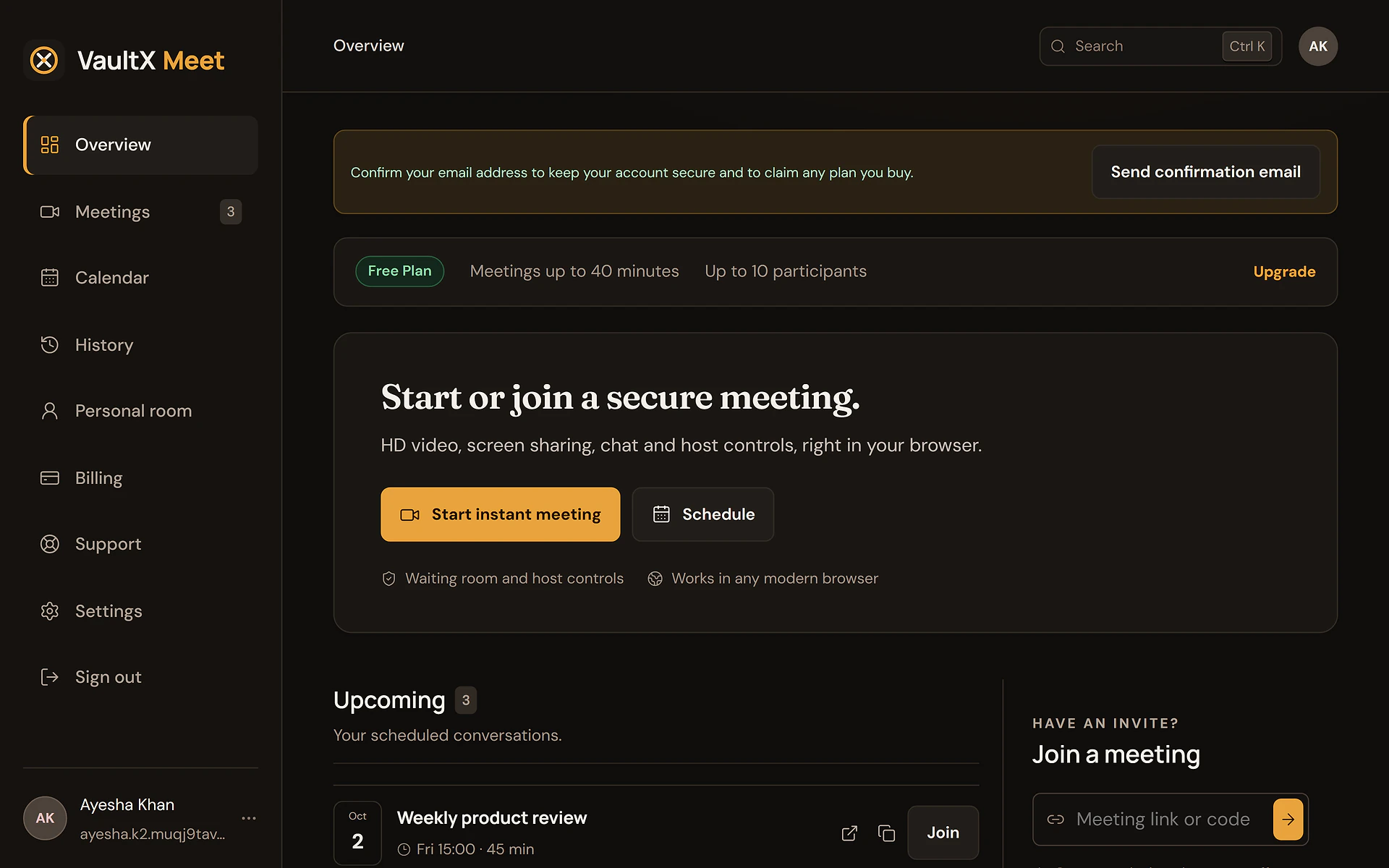
VaultX Meet dashboard on desktop

Pricing

Simple plans, priced for real teams.

Start free. Upgrade when you need longer meetings, recording or more people.

Plans

Free

For quick calls and trying VaultX Meet.

$0forever

No card, no invoice

Get started free
  • Meetings up to 40 minutes
  • Up to 5 participants
  • No recording
  • No co-hosts
  • No attendance export
  • No support
Most popular

Plus

For small teams that meet every week.

$4per month

per host account, billed by invoice

  • Meetings up to 3 hours
  • Up to 50 participants
  • Cloud recording in 1080p
  • Co-hosts
  • Attendance export (CSV)
  • Standard support

Business

For organisations that depend on meetings.

$9per month

per host account, billed by invoice

  • Meetings up to 24 hours
  • Up to 100 participants
  • Cloud recording in 1080p
  • Co-hosts
  • Attendance export (CSV)
  • Priority support

Enterprise

Custom limits, onboarding and invoicing.

Custom

Tailored limits and invoicing

  • Meetings up to 24 hours
  • Up to 300 participants
  • Cloud recording in 1080p
  • Co-hosts
  • Attendance export (CSV)
  • Priority support

Included in every plan

  • HD video, audio and screen sharing
  • Waiting room and meeting lock
  • Chat, polls, Q&A and whiteboard
  • Host controls and mute-on-entry
  • Meeting history with attendee emails
  • Encrypted connections

Security and privacy

Straight answers about how it is protected.

We describe what the platform does, and what it does not, so you can judge it for yourself.

Encrypted connections

All traffic uses TLS. Audio and video are encrypted between each participant and the meeting server with DTLS-SRTP.

Host-controlled access

Waiting room, meeting lock and role-based host controls decide who gets in and what they can do.

Hardened accounts

Passwords are hashed with scrypt, sessions use signed HttpOnly cookies, and sign-in is rate limited.

Audit trail

Administrators see every sign-in with time, IP and device, and every meeting with its attendees.

Your infrastructure

VaultX Meet runs on infrastructure operated by VaultX Cyber Tech. Recordings stay on that server.

Privacy by default

No advertising or third-party tracking scripts, and fonts are served from our own domain.

Read the full security overview

How it works

From sign-up to first meeting in minutes.

  1. 1

    Create your account

    Sign up with your email. It takes less than a minute.

  2. 2

    Start or schedule

    Launch an instant meeting or schedule one and share the invite link.

  3. 3

    Stay in control

    Turn on the waiting room and admit people as they arrive.

Questions

Before you start.

Do guests need an account?

By default, yes. Requiring sign-in means every attendee's email is recorded. Administrators can switch this off to allow guest access.

Are meetings end-to-end encrypted?

No. Media is encrypted in transit between you and the meeting server, which relays it. We say this plainly so you can decide what fits your needs. See our Security page for details.

Is anything recorded without me knowing?

No. Only hosts can start a recording, and every participant sees a recording banner for as long as it runs.

Which browsers are supported?

Current versions of Chrome, Edge, Firefox and Safari on desktop, and Chrome or Safari on phones and tablets.

Can I share my screen from a phone?

Phones and tablets can view shared screens, but mobile browsers do not allow sharing your own screen. Use a desktop browser to present.

How do I get help?

Email support@vaultxcybertech.com and include the meeting code if your question is about a specific meeting.

Does it work if I switch apps on my phone?

Your connection stays active when you briefly leave the tab, and the app reconnects automatically if the system pauses it.
Host your next meeting on VaultX Meet.

Create an account and start in under a minute.

Get started